
 Other
Add to Cart
Earn balance eligible
Student's Bundle
Region
Rest of the world (RoW) - custom
Check activation region before purchase.
Platform
Other
Redeem and play on Other.
Product type
Digital key
CD key / digital code after payment.
Before you reveal
Key stays hidden
Ask support about a refund before revealing. Revealed keys can't be refunded.
About the game
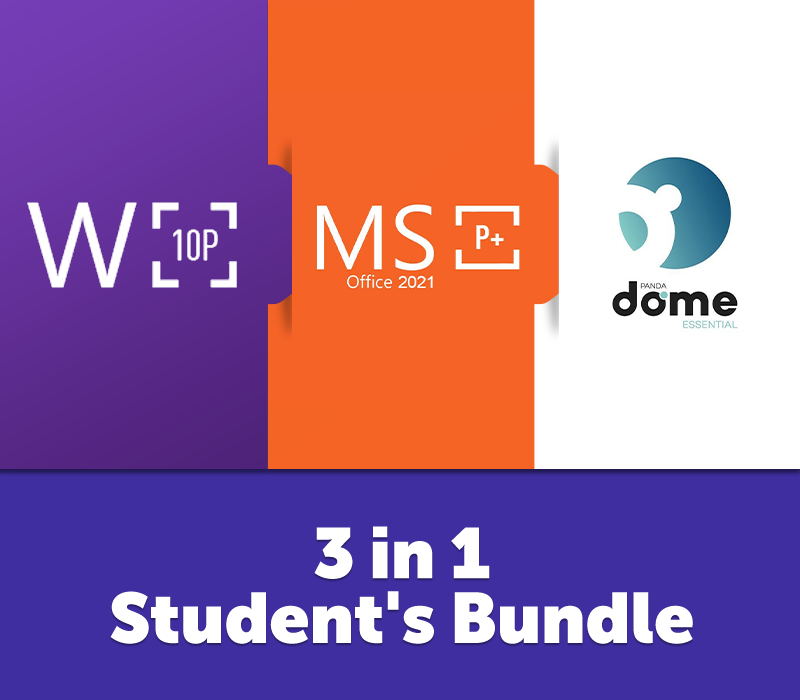
Student's Bundle
For the student who’s serious about their studies – but also wants to keep things chill. This bundle packs everything you need to power through your assignments, projects, and entertainment: Windows 10 Pro: A reliable OS that won’t let you down when you’re in the middle of a last-minute essay or that crucial group project. With its intuitive interface and powerful features, Windows 10 Pro helps you stay organized and productive. Need to split your screen for research and writing?
Done. Want to run specific software for your courses? No problem. It’s reliable, fast, and everything a student could ask for. MS Office 2021 Pro Plus: Stay ahead of the curve with the latest version of Microsoft Office. From writing essays in Word to creating data-packed spreadsheets in Excel, this suite offers all the tools you need to succeed. Plus, the enhanced PowerPoint features will help you deliver presentations that impress.
With OneNote and Outlook, you can keep your notes organized and never miss a deadline or a class. Panda Antivirus (Dome Essential): Students need to be online more than ever, and with that comes the risk of encountering online threats. Panda Dome Essential keeps your computer secure, protecting it from viruses, spyware, and other malicious software. It’s easy to use and won’t slow down your system, so you can focus on your studies without interruptions.
Hit the books with confidence knowing your tech is up to the task!
- Digital delivery — key appears in My orders
- Pay with Balance · Stripe · Crypto
- Other key — redeem on Other
System Requirements
Minimum and recommended specs when provided by the publisher or platform.
System requirements were not supplied for this product. Check the publisher store page or platform listing before purchase.
How to Activate
Redeem your digital key on Other.
- Windows 10 Pro: This product cannot be used to upgrade your system from another version! In order to activate your system: Open Start Menu and click Settings Navigate to Update & Security menu, and then Activation tab Click on Change product key and insert your key The system can be downloaded from https://kingu.in/1ldc or from https://tb.rg-adguard.net/public.php. MS Office 2021 Professional Plus: In order to activate the product, please follow one of the recommended instructions: ______________________________________________________________________________________________________ Log into your account / Create a new account https://account.microsoft.com/. Go to https://account.microsoft.com/billing/redeem website. Enter your key and confirm. Your product is now activated. You can download the client directly from the website. Please remember that the product key activated this way will be connected directly to your account. Therefore please always make sure to log in on your PC to the correct account, where the license was activated. ______________________________________________________________________________________________________ Log-in to or create an account https://login.live.com/. After you created the account follow this https://kingu.in/1lc0 (you might have to login with your just created account first). Enjoy your newly acquired Office suite! ______________________________________________________________________________________________________ In case of a problem with activating the product with your key, please use the automated phone system* to activate: In the Activation Wizard, select I want to activate the software by telephone, and then select Next. If nothing happens when you select Next, use the Enter key on your keyboard. Under Step 1 in the Activation Wizard, select your country/region, and then call the Product Activation Center phone number that’s listed under the country/region you selected. When prompted by the Product Activation Center, provide the Installation ID that's shown in the Activation Wizard under Step 2. The Product Activation Center will provide a Confirmation ID that you enter in the Activation Wizard under Step 3. Select Next and follow the prompts to complete the activation process. If nothing happens when you select Next, use the Enter key on your keyboard. Panda Antivirus: Access your https://myaccount.pandasecurity.com/. If you don't have an account, create one. Click on the "I have a code button" and enter the activation code.
Before you redeem
Keys are single-use. Confirm region and platform match your account (see hero details). Contact support if redemption fails.
Student's Bundle
Other
In stock
$47.36
- Your price
- $47.36
- Redeem region
- Rest of the world (RoW) - custom
- Code delivery
- Often within minutes of payment, sometimes a few hours while we confirm it. Balance orders are checked by our team first. You'll see the status in My orders.
- Activate on
- Other
Pay $47.36 with Visa or Mastercard — often delivered within minutes.


 Apple Pay
Google Pay


 Card payments by Stripe · Apple Pay / Google Pay where your device supports it
Region: REST OF THE WORLD (ROW) - CUSTOM. Confirm it activates in your country before purchase.
Does not activate in: TR, AQ, BV, TF, HM, GS.
Earn balance from offers and pay with it — or use card/crypto.
- Delivered to your accountOften within minutes, sometimes a few hours while we confirm the payment. We email you when it's ready.
- Key stays hidden until you reveal itChanged your mind before revealing? Contact support about a refund. Revealed keys can't be refunded. Refund & delivery policy
- Secure checkoutCards are handled by Stripe and crypto by NOWPayments. We never see your card number.
Instant digital delivery
Key in your account seconds after payment
Verified key
Authorized supplier · guaranteed to work
14-day refund policy
Full refund on unused keys
Other
Add to Cart
 Other
Add to Cart
 Other
Add to Cart
CashVers
$47.36
our price
HOW PRICING WORKS
We pass offerwall revenue back to you. Earn on CashVers, spend it here — or pay with card/crypto.


