Steam
Add to Cart
Check activation region before purchase.
Redeem and play on Steam.
CD key / digital code after payment.
Ask support about a refund before revealing. Revealed keys can't be refunded.
About the game
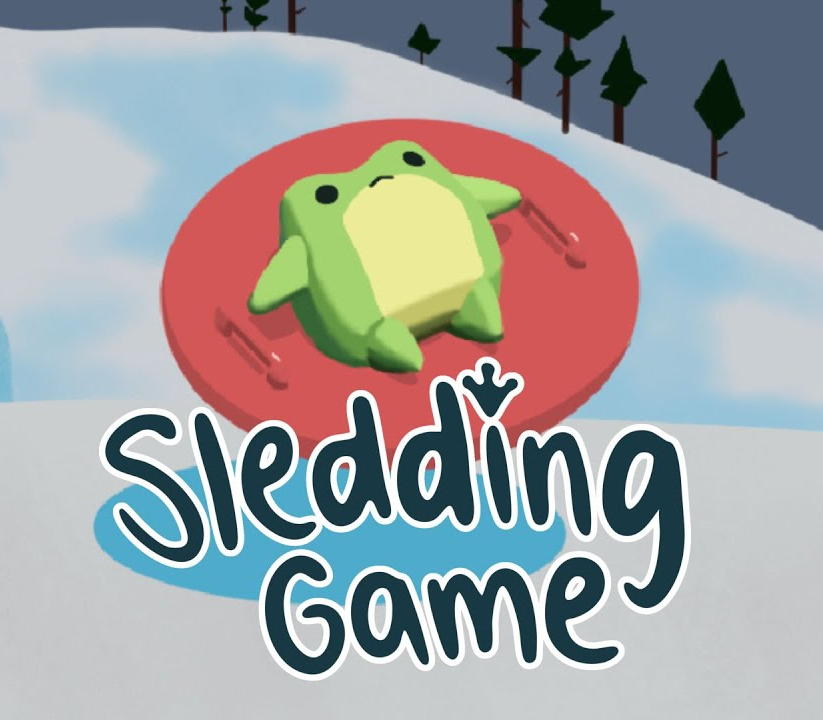
Sledding Game is a multiplayer snowsports hangout game with proximity chat. Go sledding, relax and see what else there is to do. There’s also ragdoll physics so the crashes look terrible really really good.
Use proximity voice chat to talk to your friends, or express your feelings by repeatedly crashing into each other. SLED FAST, SLED STUPID Compete to see who can reach the bottom first or get the most points through gnarly tricks, building your own ramps and launching off them. Or you can just sled around and explore, up to you.
Break up the sledding with side activities and minigames, like snowball fights, snowmen making, darts, curling, roasting smores, drinking hot chocolate in the cozy cabin, and more. LOOKIN’ GOOD Choose from a range of fully customizable animal characters and expressions. Earn points to spend on cool cosmetics for your bod and your sled.
This isn’t a joke if you wander of course a yeti will literally come and kick you back on like a football JOIN THE SLEDDERS Join public or private lobbies to sled with friends or meet new ones. Sit on a bench with a homie, or race down the hill with your group. With up to 50* players, the ski-lift could get quite the line. *I'm hoping I can do 50 player lobbies, but until further testing, this will just be a guess.
Also I'm not sure if too many people will feel overcrowded, so I might want to keep it smaller Features Multiplayer sledding fun Talk through proximity chat Races and cool tricks Mini games and hang out spots Public and private lobbies Ragdoll physics Customizable avatars Fun and friendly community Yeti
Minimum and recommended specs when provided by the publisher or platform.
Redeem your digital key on Steam.
Keys are single-use. Confirm region and platform match your account (see hero details). Contact support if redemption fails.
Sledding Game PC Steam Account
 Steam
In stock
Pay $6.86 with Visa or Mastercard — often delivered within minutes.


 Apple Pay
Google Pay


 Card payments by Stripe · Apple Pay / Google Pay where your device supports it
Earn balance from offers and pay with it — or use card/crypto.
We pass offerwall revenue back to you. Earn on CashVers, spend it here — or pay with card/crypto.