Steam
Add to Cart
Check activation region before purchase.
Redeem and play on Steam.
CD key / digital code after payment.
Ask support about a refund before revealing. Revealed keys can't be refunded.
About the game
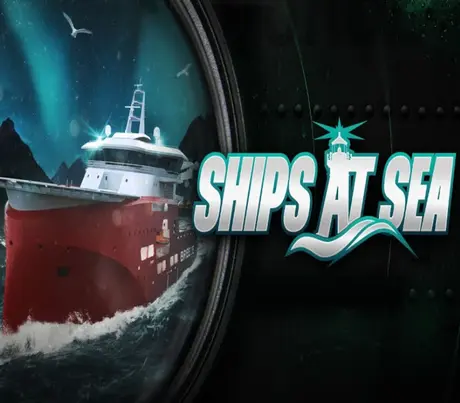
Experience the thrill of navigating a wide range of ships. In single- and multiplayer modes, immerse yourself in tasks such as service, cargo transport, and commercial fishing as you explore the breathtaking open world of Norway´s Islands and its stunning scenery. The ocean is within your reach!
Features Cargo: Take charge as a cargo transporter, loading and unloading goods and navigating across diverse locations on the map.Service Operator:Command a service ship, offering crucial support to other vessels and conducting maintenance and repairs. Commercial Fishing:Dive into the exhilarating realm of commercial fishing, starting with basic gear and advancing through catching a variety of fish using various techniques.
Physical-based buoyancy system Character customization (at present, it is possible to customize clothing options for various career paths) Boat customization Dynamic weather and economic system Marine life AI system Fish species like halibut, salmon and spotted catfish, and more Improved fishing methods: Jigging, long-line, net fishing Licensed ships from Breeze Licensed and nominated for the innovation award at NorFishing 2022, the tracking system for fishing gear PingMe from Ocean Space Acoustics Licensed longline and net hauler from Lorentzen Hydraulikk, which allows pulling lines or nets on board Licensed net clearer from Østbornholms Kutterservice.
The net clearer is used for clearing, spreading and transporting onboard netting vessels. It separates the float and the footlines as it pulls the net to the stacking cages. Licensed navigation equipment from JRC & ProNav to ensure the safety and accuracy of navigation.
Minimum and recommended specs when provided by the publisher or platform.
Redeem your digital key on Steam.
Keys are single-use. Confirm region and platform match your account (see hero details). Contact support if redemption fails.
Ships At Sea PC Steam Account
 Steam
In stock
Pay $10.19 with Visa or Mastercard — often delivered within minutes.


 Apple Pay
Google Pay


 Card payments by Stripe · Apple Pay / Google Pay where your device supports it
Earn balance from offers and pay with it — or use card/crypto.
We pass offerwall revenue back to you. Earn on CashVers, spend it here — or pay with card/crypto.