Steam
Add to Cart
Check activation region before purchase.
Redeem and play on Steam.
CD key / digital code after payment.
Ask support about a refund before revealing. Revealed keys can't be refunded.
About the game
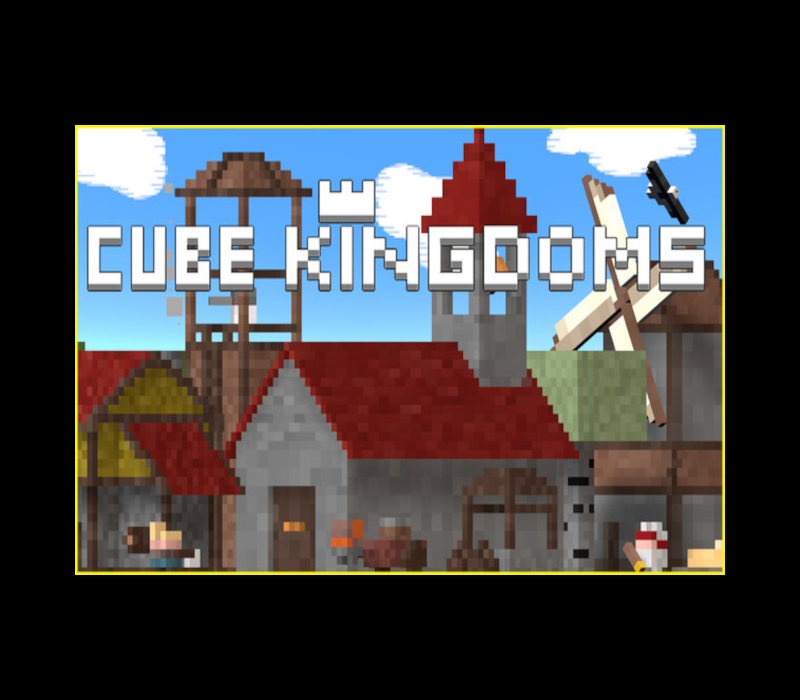
Survival City builder meets Auto-Battler Cube Kingdoms is a medieval fantasy city-builder featuring an isometric voxel aesthetic.
You build a settlement, manage its economy, protect it from attacks, and explore a vibrant overworld filled with factions, creatures, and dangers.Build Your Economy In the Economy View, you establish production chains to sustain your settlement.This includes basic buildings like lumberjacks, quarries, and smithies, as well as specialized structures such as wells, charcoal kilns, or sanitation facilities.
Here, you place walls, gates, traps, and station your troops. When an attack occurs, the game loads a dedicated battlefield: the attacker deploys their units at the edge, while your defenses attempt to hold the keep at the center. Combat plays out as an auto-battle, based on your preparation and positioning. A World Full of Factions The Overworld Map reveals your surroundings.
This is where you will find friendly and hostile castles, neutral settlements, and boss monsters, while merchants, armies, and scouts move across the land. Management and Progress Several menus assist you in governing your kingdom: A skill tree that unlocks various advantages. A happiness and needs overview for your inhabitants. Menus for recruitment, storage, trading, and commands. Fantasy Setting The world is populated by goblins, undead, demons, and other fantasy creatures.
Every region brings its own unique challenges and opportunities.
Minimum and recommended specs when provided by the publisher or platform.
Redeem your digital key on Steam.
Keys are single-use. Confirm region and platform match your account (see hero details). Contact support if redemption fails.
Cube Kingdoms PC Steam CD Key
 Steam
In stock
Pay $3.26 with Visa or Mastercard — often delivered within minutes.


 Apple Pay
Google Pay


 Card payments by Stripe · Apple Pay / Google Pay where your device supports it
Earn balance from offers and pay with it — or use card/crypto.
We pass offerwall revenue back to you. Earn on CashVers, spend it here — or pay with card/crypto.