
 Other
Add to Cart
Earn balance eligible
Ashampoo Photo Converter 3 Activation Key
Region
Region-free
Check activation region before purchase.
Platform
Other
Redeem and play on Other.
Product type
Digital key
CD key / digital code after payment.
Before you reveal
Key stays hidden
Ask support about a refund before revealing. Revealed keys can't be refunded.
Works on
- Windows
About the game
Ashampoo Photo Converter 3 Activation Key
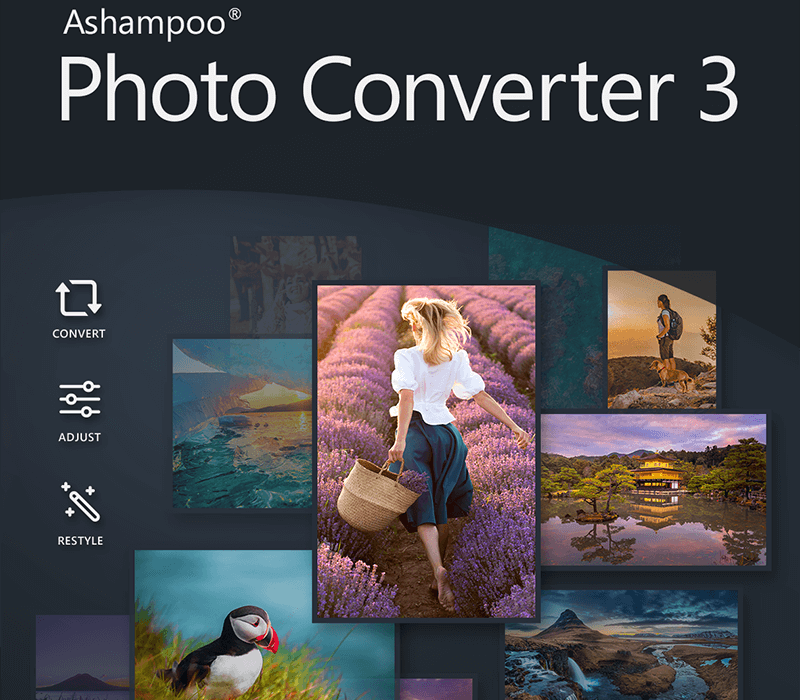
Convert your photos in no time–batch processing included! Ashampoo Photo Converter 3 allows you to quickly, easily, and efficiently convert your images into any format, whether it's a single photo or an entire folder. This program is a reliable partner for fast batch conversions, creative effects, or targeted image editing. Need to resize an image, select a different format, or optimize hundreds of pictures at once?
It's all possible with just a few clicks. Whether you're a hobby photographer, content creator, or a professional working with automated workflows, Version 3 has the right tools for the job!
Two modes: Simple GUI for beginners or powerful CLI tool for professionals and server use Native 64-bit support for optimal memory usage Modernized interface with animated progress indicator Significantly faster PNG and JPG processing (up to 50% faster) Extended format support: HEIF, RAW (including Canon, Nikon, DNG), SVG New batch wizard with drag & drop and sortable command list Exportable and reusable command sets (*.apcbatch files) DPI-based resizing with precise inch specifications CLI mode with extensive parameter control for automated workflows Easily apply frames and aspect ratio changes during batch processing Full-featured command-line tool with 10+ control parameters Automated processing with logging and output format selection via CLI Intuitive interface: Perfect for beginners Looking for quick results without a learning curve?
The completely redesigned interface guides you step by step through all features. The new batch wizard with drag & drop support, a clear command list, and live preview makes processing even large collections a breeze. Convert entire folders with just a few clicks! Full control: Now with command line support Looking for maximum control and automation? The new CLI version is exactly what you need!
With extensive parameters, you can manage every feature directly from the command line—perfect for advanced users and server environments. Enjoy batch processing, format conversion, quality settings, logging, and more—all with straightforward commands, no clicks required! More formats, speed, and convenience! Want to manage all your image files, no matter the format? Whether it's HEIF, SVG, or RAW (including the latest formats from Canon, Nikon, and more) – everything is supported.
JPG and PNG load up to 50% faster, and metadata like EXIF and XMP are preserved. You can also adjust aspect ratios, add frames, or set exact DPI values to suit your needs. Cutting-edge technology Ashampoo Photo Converter 3 runs natively as a 64-bit application on Windows 10 and 11 and features a brand-new interface, high-DPI support for large monitors, and a sleek modern app design. The new menu layout is intuitive, and the program takes full advantage of your system’s power.
Get our most efficient Ashampoo Photo Converter yet! Feature overview Ashampoo Photo Converter 3 offers a wide range of tools for creative and technical image editing. Choose from numerous formats, rotate, flip, or tilt your photos, and resize them by percentage, pixels, inches, or centimeters. Optimize contrast and color manually or automatically, boost color intensity, reduce compression artifacts, and fine-tune gamma, brightness, color depth, and saturation.
Apply various effects like sepia, black & white, oil painting, borders, aspect ratio adjustment, pencil sketch, relief, or sharpening. Protect your work with the freely positionable watermark, and enjoy options like inserting the original shooting date, preserving file timestamps, or automatically deleting originals after conversion for full control and better organization.
- Digital delivery — key appears in My orders
- Pay with Balance · Stripe · Crypto
- Other key — redeem on Other
System Requirements
Minimum and recommended specs when provided by the publisher or platform.
WINDOWS
How to Activate
Redeem your digital key on Other.
- Download the trial version here: https://www.ashampoo.com/en-us/photo-converter/ Install the software Activate the key directly in the software
Before you redeem
Keys are single-use. Confirm region and platform match your account (see hero details). Contact support if redemption fails.
Ashampoo Photo Converter 3 Activation Key
Other
In stock
$1.83
- Your price
- $1.83
- Redeem region
- Region-free
- Code delivery
- Often within minutes of payment, sometimes a few hours while we confirm it. Balance orders are checked by our team first. You'll see the status in My orders.
- Activate on
- Other
Pay $1.83 with Visa or Mastercard — often delivered within minutes.


 Apple Pay
Google Pay


 Card payments by Stripe · Apple Pay / Google Pay where your device supports it
Earn balance from offers and pay with it — or use card/crypto.
- Delivered to your accountOften within minutes, sometimes a few hours while we confirm the payment. We email you when it's ready.
- Key stays hidden until you reveal itChanged your mind before revealing? Contact support about a refund. Revealed keys can't be refunded. Refund & delivery policy
- Secure checkoutCards are handled by Stripe and crypto by NOWPayments. We never see your card number.
Instant digital delivery
Key in your account seconds after payment
Verified key
Authorized supplier · guaranteed to work
14-day refund policy
Full refund on unused keys
Other
Add to Cart
 Other
Add to Cart
 Other
Add to Cart
CashVers
$1.83
our price
HOW PRICING WORKS
We pass offerwall revenue back to you. Earn on CashVers, spend it here — or pay with card/crypto.


